In the wake of global supply chain disruptions, the healthcare sector faces a persistent and evolving challenge: PPE Fraud. While the acute shortages of the early pandemic have subsided, the market remains infiltrated by unscrupulous actors marketing Counterfeit Medical Devices.
For hospital procurement managers, the stakes are incredibly high. Fraudulent Medical Products—specifically substandard surgical and isolation gowns—do not merely represent a financial loss; they pose a direct threat to the safety of healthcare workers and patients. These counterfeit items often fail critical fluid barrier tests (such as ASTM F1671 for viral penetration), leaving staff exposed to pathogens while believing they are protected. Identifying these threats requires shifting from passive purchasing to active forensic verification.
Step 1: The “Hard Check” – Verifying Suppliers via FDA Databases
The first line of defense is a “Digital Audit.” Before a single gown is ordered, procurement teams must Verify FDA Registration status. A legitimate manufacturer will leave a digital footprint within the FDA’s regulatory databases. If a supplier cannot provide traceable regulatory numbers, it is an immediate red flag.
How to Perform an FDA 510(k) Search for Premarket Notification
For most surgical gowns (Class II medical devices), manufacturers must submit a Premarket Notification 510k to demonstrate that their device is “substantially equivalent” to a legally marketed device. This is the gold standard for clearance.
To perform a verification:
- Request the Number: Ask the supplier for their specific 510(k) number (usually starting with the letter ‘K’ followed by 6 digits).
- Access the Database: Navigate to the FDA’s 510k Search database.
- Cross-Reference: Enter the ‘K’ number in the “510(k) Number” field.
- Verify Details: The search result must match the Applicant Name (manufacturer) and the Device Name exactly. If the 510(k) belongs to a different company and the supplier claims to be an OEM without a proper relabeling agreement, proceed with extreme caution.
Confirming FDA Establishment Registration & Device Listing Status
A common tactic used by fraudsters is to provide a “Registration Number” implying the product is approved. However, FDA Establishment Registration Search only confirms that a facility has registered with the FDA—it does not indicate that their specific product is cleared for sale.
To distinguish between the two:
- Use the FDA Establishment Registration Search to find the manufacturer.
- Once the facility is located, click to view their FDA Device Listing.
- Ensure the specific product code (e.g., “OEA” for surgical gowns or “FYC” for isolation gowns) is listed as “Active.”
FDA Verification Cheat Sheet
Use this table to decode supplier claims and verify their legal status:
| FDA Database | What It Proves | Common Fraud Tactic | Verification Action |
|---|---|---|---|
| Premarket Notification (510k) | Specific device is cleared for US sale. | Using a competitor’s K-number or a “Draft” submission. | Verify “Applicant Name” matches supplier exactly. |
| Establishment Registration | Factory exists and is registered. | Claiming this means theproductis approved. | Check “Device Listing” to see if the gown is active. |
| Device Listing | Factory has listed the device. | Listing a Class I (exempt) code for a Class II surgical gown. | Ensure Product Code is OEA(Surgical) or FYC(Isolation). |
Note: A facility can be registered but fail to list a specific device. If the gown isn’t in the Device Listing, it cannot be legally distributed in the U.S.
Verifying Certificates of Analysis (CoA) & Third-Party Test Reports
A 510(k) clearance proves a manufacturer can make a compliant device, but a Certificate of Analysis (CoA) proves that the specific batch you are buying actually is compliant.
Sophisticated counterfeiters may present forged or outdated reports. Procurement teams must scrutinize Third-party test reports from recognized labs like Nelson Labs or SGS.
CoA & Test Report Audit Checklist:
- Test Date: Is the report less than 2 years old? (Old reports may not reflect current materials).
- Standard Compliance: Does it explicitly cite ASTM F1671 (Viral Penetration) for Level 4 gowns?
- Sample Identification: Does the “Style/Model Number” on the report match the product you are buying?
- Lab Accreditation: Is the report from a reputable ISO 17025 accredited lab (e.g., Nelson Labs, SGS, Intertek)?
- Digital Traceability: Can you verify the report authenticity on the lab’s website using the report number?
Using the MAUDE Database to Check for Adverse Event Reports
For a deeper layer of due diligence, veteran procurement officers utilize the MAUDE Database (Manufacturer and User Facility Device Experience). This database houses reports of adverse events involving medical devices.
Searching a potential supplier in MAUDE can reveal patterns of product failure—such as reports of gowns tearing during surgery or fluid strikethrough incidents. A history of unaddressed safety reports suggests quality control issues that often plague substandard or gray-market manufacturers.
Step 2: The “Visual Check” – Decoding Labeling & Packaging Requirements
Once the digital audit is complete, the physical inspection begins. Legitimate products must adhere to strict Medical Device Labeling Requirements set forth in 21 CFR Part 801. Counterfeiters often cut corners here, resulting in packaging that looks “almost” right but fails regulatory standards.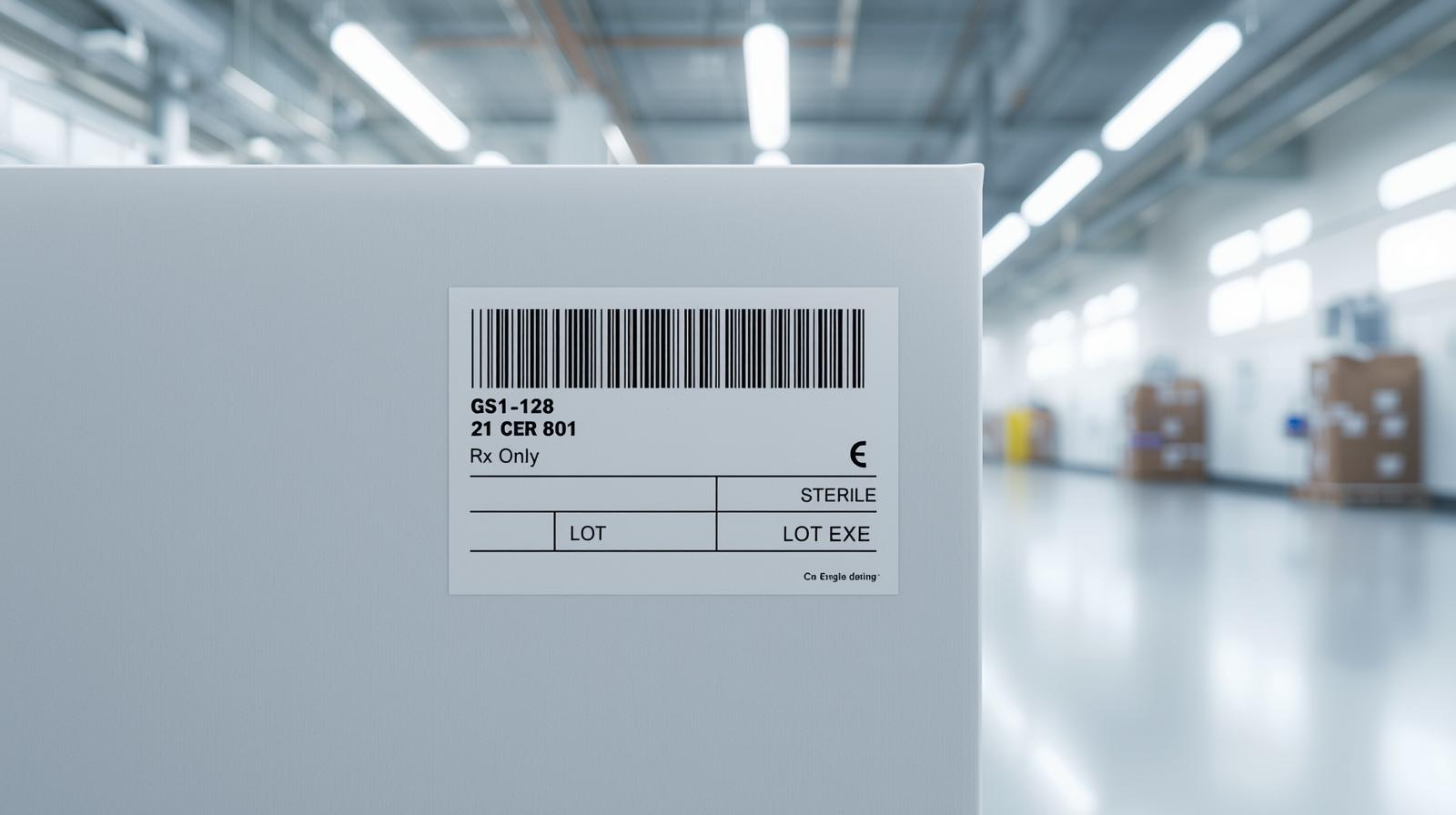
Understanding Unique Device Identification (UDI) on Gown Packaging
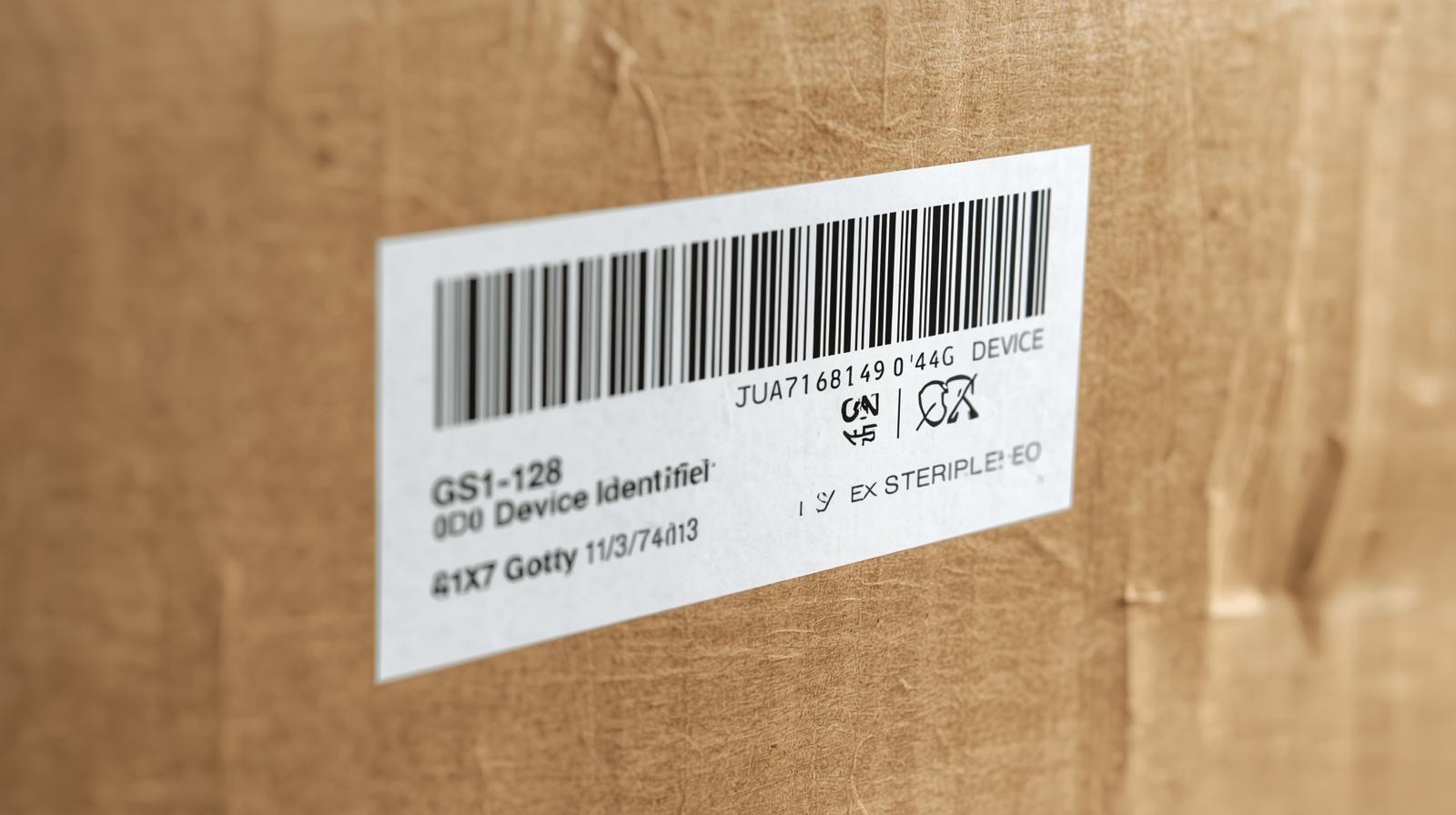
The most reliable tool for physical verification is Unique Device Identification (UDI). The UDI system was established to adequately identify medical devices through their distribution and use. A compliant UDI label consists of two parts:
- Device Identifier (DI): A specific, static portion that identifies the device labeler and the specific version or model of a device.
- Production Identifier (PI): A variable portion that identifies the lot or batch number, serial number, expiration date, and manufacturing date.
If a box of surgical gowns arrives without a UDI code, it is non-compliant.
How to Execute a UDI Lookup and Scan GS1 Barcodes
To verify a product’s authenticity using its label:
- Locate the Barcode: Most legitimate medical devices use a GS1 Barcode standard.
- Use AccessGUDID: Go to the FDA’s AccessGUDID database.
- Perform a UDI Lookup: Enter the Device Identifier (DI) found on the label.
- Match Data: The database should return the exact product specifications, manufacturer details, and MRI safety information. If the barcode does not scan or the UDI Lookup returns “No results found,” the product is likely counterfeit or unregistered.
Common Red Flags in FDA Labeling Regulations
Counterfeiters often struggle with the minutiae of FDA Labeling Regulations. When inspecting samples, use this visual guide to spot anomalies:
| Visual Element | Authentic Gown Indicator | Counterfeit Red Flag |
|---|---|---|
| “Rx Only” Symbol | Present on Surgical Gowns (Class II). | Missing on packages claiming to be “Surgical Gowns”. |
| Sterile Symbol | Specific method shown (e.g., STERILE EO). | Generic “STERILE” text without method, or conflicting symbols. |
| Language & Text | Professional medical English; clear fonts. | Typographical errors (e.g., “Surgicl”), mixed fonts, or poor grammar. |
| Expiration Date | Clearly printed (Year-Month-Day). | Missing, hand-stamped, or impossible dates. |
| UDI Barcode | Scannable GS1/HIBCC code. | Generic QR code or non-scannable barcode image. |
Supply Chain Red Flags: Pricing & Authorized Distribution
Beyond the product itself, the commercial terms can often reveal Gray market medical devices. Procurement managers should treat the transaction process as another layer of the audit.
Commercial Warning Signs (Walk Away If You See These):
- No Letter of Authorization (LOA): Seller cannot produce a current, dated letter from the manufacturer authorizing them to sell.
- Personal Email Domains: Contact person uses
@gmail.comor@yahoo.cominstead of a corporate domain. - Price Anomalies: Price is >30% lower than the global average for raw SMS fabric materials.
- Pressure Tactics: Seller insists on “Immediate Wire Transfer” or claims “Stock will be gone in 1 hour.”
Step 3: Risk Avoidance – Screening for Blacklisted Suppliers
Even a registered company can fall out of compliance. The final step in the verification process is ensuring the supplier is not currently on a regulatory “blacklist.”
Checking the Red List: FDA Import Alerts & Warning Letters
Before finalizing a contract, check the manufacturer against the FDA’s enforcement databases:
- FDA Import Alert: Search the supplier’s name in the Import Alert database. This list includes firms whose products are subject to “Detention Without Physical Examination” (DWPE) due to a history of violations.
- FDA Warning Letters: Search for recent FDA Warning Letters. These are issued for significant regulatory violations, such as poor Good Manufacturing Practices (GMP) or false marketing claims. A supplier with an unresolved warning letter presents a significant supply chain risk.
Reporting Suspected Fraud: FDA MedWatch & OCI
If you encounter suspicious products during your audit, your responsibility extends beyond simply rejecting the shipment. To protect the broader healthcare ecosystem, report medical device fraud immediately.
You can file a voluntary report via FDA MedWatch reporting, which helps the FDA track emerging threats. For clear cases of criminal intent—such as falsified 510(k) certificates or relabeled goods—contact the FDA’s Office of Criminal Investigations (OCI). By reporting these bad actors, you help remove dangerous products from the supply chain before they reach a patient.
Conclusion: Ensuring Supply Chain Integrity through Verification
In the current medical landscape, trust must be verified. Spotting counterfeit medical gowns is no longer just about inspecting the fabric; it is about auditing the data. By rigorously applying FDA 510(k) searches, validating UDI codes, and screening for regulatory alerts, healthcare facilities can insulate themselves from fraud. Partnering with transparent manufacturers who proactively provide these regulatory credentials is the only way to ensure the safety and continuity of care in your facility.
Data Sources & Official Verification Tools
For the safety of your facility and patients, always rely on official government databases for verification. Below are direct links to the FDA resources referenced in this guide:
-
FDA 510(k) Premarket Notification Database:
-
FDA Establishment Registration & Device Listing:
-
FDA AccessGUDID (UDI Search):
-
FDA Import Alerts Database:
-
FDA MAUDE Database (Adverse Event Reports):
-
Reporting Unlawful Sales of Medical Products (FDA):